
A vendor setup checklist exists for the gap between saying yes to a new supplier and paying them for the first time. If you have read the bookkeeping cleanup guide, you will remember the $520 insurance bill: entered by hand, then matched again from the bank feed. Paid twice, owed once. That one is fixable, because there is an insurer on the other end.
Pay a supplier who does not exist and there is nobody to call and no refund coming. Both problems usually start the same way: a supplier is added to the books before anyone checked who they were.
This vendor setup checklist covers that moment. US, UK and India steps sit side by side, so use the ones that match where the supplier is based.
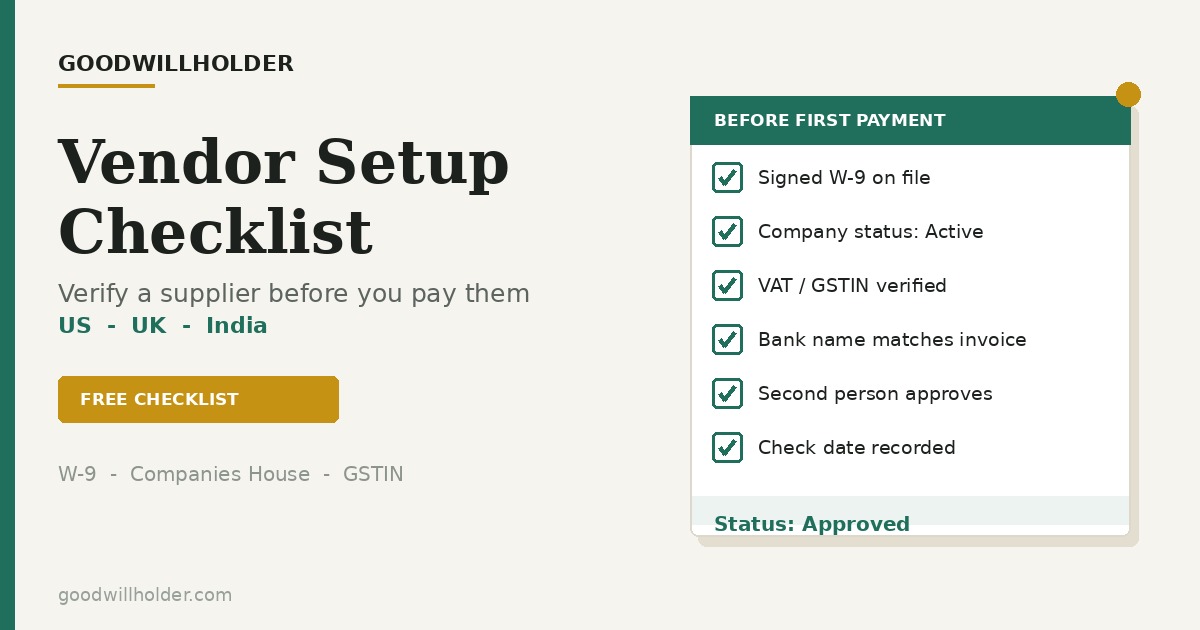
The Vendor Setup Checklist
Work through the vendor setup checklist for every new supplier, before the first payment.
Before You Add a Supplier
- Search your existing list by name, address and phone number, so the same supplier does not go in twice
- Get the supplier's details from them in writing, not copied from an invoice
Legal Name and Tax ID: US Suppliers
- Get a completed, signed Form W-9 before the first payment
- Check the legal name on the W-9 against the name on their invoices
- Look the business up on the state business registry (usually the Secretary of State) and confirm it is active
- If you have filed 1099s in the last two years, check the name and TIN with the IRS's free TIN Matching service
Legal Name and Tax ID: UK Suppliers
- Limited company: find it on the Companies House register and note the registered name and company number
- Check the status reads "Active" with nothing after it
- VAT registered: check the number with HMRC's Check a UK VAT number service and confirm the name and address match
- Sole trader: record their trading name, address and a bank account in that name
Legal Name and Tax ID: Indian Suppliers
India has no W-9 either. What you can check on a vendor setup checklist depends on whether the supplier is registered for GST and whether they are a company, a partnership or a sole proprietor.
- GST registered: check the GSTIN on the GST portal and confirm the legal name and trade name match the invoice
- GSTIN quoted on an invoice should match the one on the portal, character for character. A single wrong character makes the input credit unusable
- Company: check the CIN on the MCA portal and confirm the company is listed as Active, not Strike Off or Under Liquidation
- Registered as MSME or Udyam: check the Udyam number on the Udyam registration portal
- Sole proprietor with no GST registration: ask for a PAN card, a bank account in the business name, and one utility bill at the trading address
- Ask for a cancelled cheque. The account name on the cheque should match the supplier name on the invoice
Who Can Add or Edit a Supplier
- Name the one or two people who can add or change supplier records
- If there is a second person in the business, have them approve the first payment to each new supplier
- Check that your accounting software keeps a history of supplier changes
Bank Details
- Keep bank details and tax IDs in your accounting software or another access-controlled place, not the shared tracker
- Confirm any change of bank details by phone, on a number you already had
- UK: if Confirmation of Payee shows "no match" or "close match", stop and call the supplier
- India: if the IFSC or account number has changed, verify with a cancelled cheque and a phone call before releasing payment
Before You Mark It Approved
- Every box above is ticked, or you have noted why it does not apply
- The date of the checks is in your tracker
Searching Before You Add
Duplicates usually come from small differences: ACME Ltd, Acme Limited and Acme, entered on different days. Searching by address and phone as well as name catches most of them.
The duplicates already on your list belong to the cleanup guide. This vendor setup checklist only stops new ones getting in.
Legal Name and Tax ID for US Suppliers
The W-9 is the IRS form where a supplier gives you their legal name and taxpayer identification number (TIN). For most businesses that is an Employer Identification Number, or EIN. For a sole proprietor it is usually a Social Security number.
Get it before the first payment, not in January when you are preparing 1099s and last spring's handyman has stopped answering. On a vendor setup checklist the W-9 is step one, not an afterthought. Foreign suppliers fill in a W-8BEN or W-8BEN-E instead.
The mismatches that cause trouble are nearly always small, and nobody is being dishonest. A supplier writes their trade name instead of their legal name. A sole proprietor puts a business name next to a personal Social Security number.
If a supplier will not provide a TIN, you may have to withhold 24% of reportable payments to them as backup withholding. A name and TIN that do not match IRS records can come back months after you file, as a mismatch notice asking you to collect a corrected W-9.
TIN Matching catches it earlier, though it is only open to businesses that have filed 1099s in the last two years. If yours has not, you will rely on the signed W-9 and the registry check.
Legal Name and Tax ID for UK Suppliers
The UK section of a vendor setup checklist has no W-9, because the check depends on what kind of business the supplier is. Limited companies are on the Companies House register. It is free to search and shows the registered name, company number, address and status.
"Active: Proposal to Strike off" means the company is being closed. Read past the first word.
A supplier that charges VAT has to show its VAT number on its invoices. HMRC's checker confirms whether the number is valid and who it is registered to. If you are VAT registered yourself, you can ask for proof of the check.
Sole traders are not on a public register, and their Unique Taxpayer Reference is confidential. HMRC advises keeping it private. A trading address, a bank account in the trading name and proof of insurance are what you can reasonably ask for.
The one exception is construction. Under the Construction Industry Scheme, contractors verify subcontractors with HMRC before paying them, using the UTR plus a National Insurance number or company registration number.
Legal Name and Tax ID for Indian Suppliers
A GST invoice must carry the supplier's GSTIN, which makes the Indian part of the vendor setup checklist quick to run. The GST portal lets you search that number and see the legal name, trade name, registration date and status.
Check three things before you accept the invoice. The GSTIN is active, not cancelled or suspended. The legal name on the portal matches the name on the invoice. The state code in the first two digits matches where the supplier is actually registered.
This matters beyond verification. If the GSTIN is wrong, the input tax credit on that invoice will be rejected at filing, and you will be chasing the supplier for a corrected invoice weeks later.
For companies, the CIN on the MCA portal confirms the entity exists and is active. For smaller suppliers who are not GST registered, a PAN card and a bank account in the business name are the practical floor.
Never pay a supplier whose bank account name differs from the name on the invoice without a phone call and a cancelled cheque. This is the single most common way money is lost to a fake supplier in any country.
Who Can Add or Edit a Supplier
A vendor setup checklist usually stalls on this step, because it sounds like overkill in a two-person business. It is also exactly how a made-up supplier gets paid: if one person can add a supplier and pay it, nobody else ever sees it happen.
Keep it to one or two named people. If there is someone else in the business, give them the first payment to approve. Once a month, look through the change history for edited bank details, new suppliers with no W-9 or company check, and suppliers added and paid on the same day.
Bank Detail Changes
Even a supplier already on your vendor setup checklist can be impersonated later. It usually arrives as a routine-looking email asking you to update their bank details, sent from a hacked account or a near-copy of the real address.
Business email compromise cost US victims about $3.05 billion in 2025 across 24,768 complaints, according to the FBI Internet Crime Complaint Center.
Before changing anything, call the supplier on a number you already had. In the UK, Confirmation of Payee checks the name on the account when you set up a new payee. If it comes back "no match", hold the payment until you have spoken to the supplier. If the supplier says they never sent the request, treat that email account as compromised.
If money has already gone, call your bank straight away and ask for the payment to be recalled. Then report it to IC3 in the US, ideally within 72 hours, or to Report Fraud in England, Wales and Northern Ireland. In Scotland, call Police Scotland on 101.
Once Every Box Is Ticked
Once the vendor setup checklist is complete, the supplier is ready for your Supplier Tracker. Give them a supplier ID, set the status to Approved, and note the date you checked them.
The W-9, the company or GST check and the bank details stay somewhere access-controlled, outside the shared sheet.
The supplier most likely to skip the vendor setup checklist is the urgent one that needs paying today, just this once. That is the one to run through it first.
Frequently Asked Questions
Do I need to verify a supplier before the first payment, or can I do it later?
Before. A vendor setup checklist takes about ten minutes per supplier. Once money has left your account to a supplier who does not exist, there is no counterparty to recover from.
What is the minimum check for a small supplier with no GST or VAT registration?
A PAN or tax ID, a bank account in the business name, and one proof of address. That combination is enough to establish that a real person or business exists behind the invoice.
Can I keep the W-9 or GSTIN details inside the shared supplier spreadsheet?
Not a good idea. A shared sheet usually means a shared password and no audit trail. Keep tax IDs and bank details in your accounting software or another access-controlled place, and put only a status and a check date in the tracker.
What should I do if a supplier's bank details change by email?
Call them on a number you already had, not the one in the email. If the change is genuine they will confirm it. If the supplier says they never sent the request, treat the email account as compromised and report it.
Does a Chinese or other foreign supplier need a W-9?
No. Foreign suppliers complete a W-8BEN or W-8BEN-E instead. The verification logic is the same: establish the legal name and the bank account holder before the first payment.
Author
Anila Lahiri is chief operating officer at EIN Search, part of Liberty Data, Inc. in Florida. EIN Search runs a database of US business tax IDs used by compliance teams, accounts payable departments and CPAs to check supplier details. More about the team.
Sources and Editorial Note
US tax and reporting references: IRS Form W-9 and IRS recordkeeping guidance. UK company and VAT references: Companies House and HMRC VAT number checker. India GSTIN and registration references: GST portal and Udyam registration. Business email compromise loss figures from the FBI Internet Crime Complaint Center 2025 Internet Crime Report.
This article was contributed by EIN Search and edited and fact-checked by the Goodwillholder editorial team. The author bio link is marked nofollow. Goodwillholder received no payment for publishing it. Rules and thresholds differ by country and change over time; confirm your own obligations with a qualified accountant.