
Xero vs QuickBooks: 5 Simple Differences That Decide It
Xero vs QuickBooks for Small Business: The Short Answer
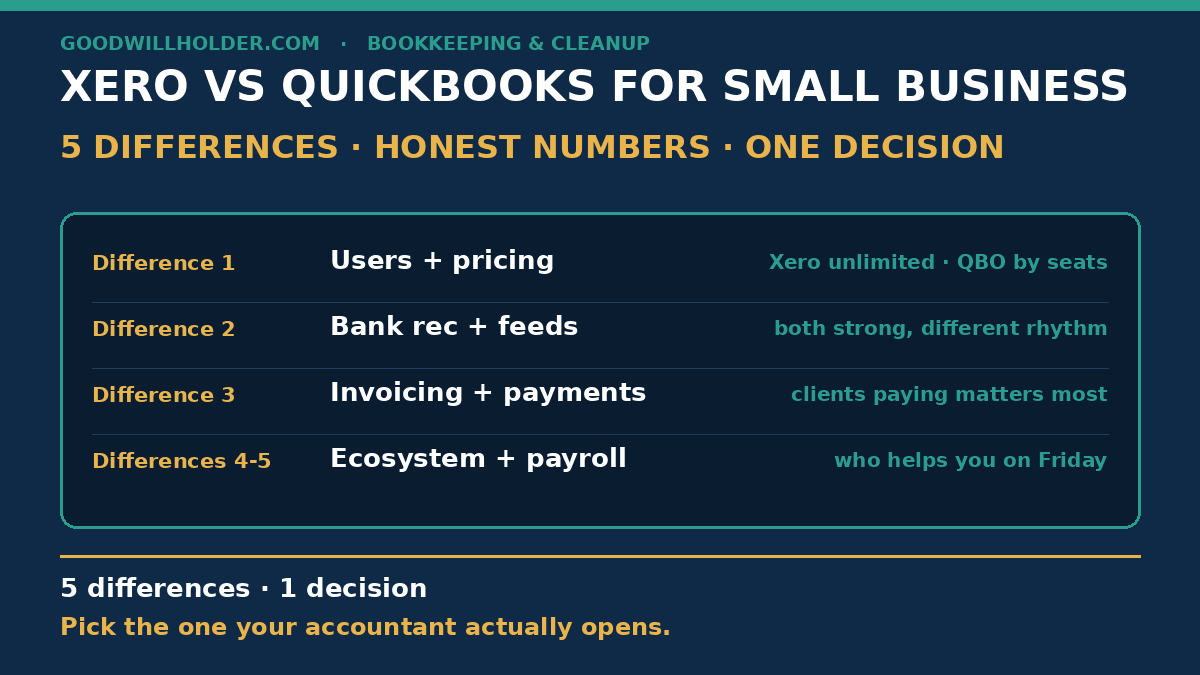
The xero vs quickbooks for small business decision rests on five differences: users and pricing, bank feeds, invoicing and payments, ecosystem access, and payroll. Both do the core job honestly. The right pick is the one your accountant uses, your clients can pay through, and you will still open on a Friday afternoon.
For a solo service business either software wins over a spreadsheet — the eight features that matter when there is no stock are covered in accounting software for service businesses. The differences only bite when a second person logs in, when payments need collecting, or when tax season arrives. Below is the xero vs quickbooks for small business comparison in plain numbers.
The 5 Differences
Here is the honest comparison, numbers as published in late 2026 (check current rates before you buy):
| What you are comparing | Xero | QuickBooks Online |
|---|---|---|
| Users included | Unlimited on every plan | Priced by seat: 1, then 3, then 5 |
| Entry monthly price | Lower entry tier, fewer features | Higher entry tier, more included |
| Bank feeds | Strong, well-liked reconcile screen | Strong, rules-driven auto-matching |
| Invoicing and payment links | Yes, on all plans | Yes, on all plans |
| Payroll | Via integration (e.g. Gusto) | Native US payroll as an add-on |
| App marketplace | Large, global | Largest, US-weighted |
| Accountant familiarity | Strong outside the US | Dominant in the US |
| Best fit | Multi-user teams, non-US banking | US businesses, native payroll |
Prices move. Treat the table as the shape of the decision, not a quote — open both pricing pages on the day you buy and enter the number of users you actually need.
- Users and pricing. Xero includes unlimited users on every plan (entry tier around $25/mo, mid around $55). QuickBooks prices by seat: one user at entry (~$38/mo), three at the next tier, five after that. Three or more people logging in? Xero’s math usually wins. One person and an accountant? Both are fine.
- Bank feeds and reconciliation. Both import feeds and both reconcile well. Xero’s reconciliation screen is its most-loved feature — one page, one rhythm. QuickBooks matches automatically and leans on “rules.” Try both trials with your real bank; the rhythm you prefer matters more than the review stars.
- Invoicing and payments. Both send invoices and accept online payments. What matters for a service business is how easily the client pays: payment link on the invoice, automatic reminders, late fees. Both do it; test the customer-facing invoice in both before committing.
- Ecosystem and accountant access. QuickBooks owns the US market — most American accountants and bookkeepers live in it, and its app marketplace is larger. Xero is strong globally, with clean accountant access on all plans. The practical question: does YOUR accountant have a seat preference?
- Payroll and extras. QuickBooks offers native US payroll as an add-on. Xero integrates with Gusto instead. Inventory and projects exist in both, with tier limits — check what your plan includes before assuming.
Which Fits Whom
The honest mapping from the xero vs quickbooks for small business debate:
- Choose QuickBooks if your US accountant lives in it, you want native payroll, or your clients are companies whose books you will also keep — familiarity compounds.
- Choose Xero if three or more people need logins, you bank outside the US, or you value the reconciliation workflow above the ecosystem.
- Either works for a solo cleaner, tutor, or consultant with one account and simple invoicing. Decide in a weekend, not a quarter.
A Worked Example: Two Owners, One Bookkeeper
North Lane Interiors is a two-owner design studio with a part-time bookkeeper. Three people need logins, the studio invoices 20 clients a month, runs payroll through a US provider, and banks with a US bank. Here is how the xero vs quickbooks decision falls out when the requirements are written down instead of debated.
- Seat math first. Three logins on a per-seat product costs more than the same three logins on a product that includes unlimited users. Over a year that difference is real money — and it is the easiest part of the comparison to measure.
- Then payroll. If payroll must stay native, that single requirement overrides the seat saving. The studio keeps payroll where it is and picks the product that connects to it without a connector fee.
- Then the accountant. Ask one question: which one do you already have a client seat in? An accountant working in their usual tool will close the books faster and ask fewer questions.
- Then the client-facing invoice. Send yourself an invoice from both trials, pay it from a phone, and look at what the customer sees. That screen is your brand for the next five years.
The studio picked on those four points in one afternoon. What it deliberately did not do was compare feature lists line by line — almost every line was a yes in both, and the yes-yes rows never decide anything.
What Neither One Fixes
Both products are ledgers with good interfaces. Neither one is a bookkeeper, and swapping between them will not repair a business whose records were never maintained.
- Uncategorised transactions. Auto-matching guesses. A rule that is wrong posts every month at scale. Someone still has to review what the software decided.
- Reconciliation. The screen makes it easier; it does not do it. Two months of unreconciled bank feeds is two months of unknown profit, in either tool.
- Chart of accounts drift. Duplicate and dead accounts accumulate in both. A clean chart of accounts is a decision a person makes, not a feature you buy.
- Month-end. Closing the period is a routine. The month end close checklist works in either product because the order of the checks is the same.
How to Run a Fair Two-Week Trial
Two free trials, run side by side for two weeks, will settle the xero vs quickbooks question faster than any review article — including this one.
- Day 1–2: import the same real bank feed into both. Not a demo company.
- Day 3–5: enter ten real transactions in each: a sale, a bill, a payment, a refund, a bank fee, an owner draw. Note where you hesitated.
- Day 6–8: reconcile one full month in each. Time it.
- Day 9–10: send one real invoice from each and pay it yourself.
- Day 11–14: run the same report in both — profit and loss for last month — and compare what you had to fix to make the numbers match.
Keep a simple scorecard while you test, because memory flatters whichever product you used last. The weighted scorecard in this comparison has a test log built for exactly this exercise.
Can You Switch Later?
Yes — people move both directions, and the xero vs quickbooks for small business choice is not a life sentence. Export the customers, chart of accounts, and balances; import; re-reconcile the open months; confirm balances tie before the first real month. The switch costs a weekend and some fees, which is exactly why the five checks below should be done BEFORE, not after.
If neither of these two turns out to be the right fit, the wider field is scored against your own requirements in small business accounting software: 4 simple steps to choose — with a free weighted scorecard and a test log.
Quick Checklist
Before you close the xero vs quickbooks for small business tab, five checks:
- ☐ Count the humans who need logins — seat math decides half the debate.
- ☐ Ask your accountant one question: “which do you prefer?”
- ☐ Trial both with your real bank feed for one week.
- ☐ Send yourself an invoice from both — pay it — see which flow is cleaner.
- ☐ Check the tier limits for projects, inventory, and multi-currency before assuming.
The xero vs quickbooks for small business question has no universal winner — only a right fit for how your business actually runs. Price the seats, test the bank rec, ask the accountant, and then stop debating. The best accounting software is the one you open weekly and trust — because the reports only save you when someone reads them. Whichever you pick, a monthly rhythm keeps it honest; our month-end close checklist works in both.
Sources and Editorial Note
Pricing and plan limits change without notice. Check them at the source on the day you decide: the official Xero pricing page and the official QuickBooks pricing page. For a second opinion on the feature-by-feature comparison, see Forbes Advisor’s Xero vs QuickBooks comparison and this practitioner tier breakdown.
This comparison is for general information and is not accounting, tax, or legal advice. Features, prices, and plan names differ by country and change over time. Confirm what a specific plan includes before you buy, and check the arrangement with your own accountant.