
Why a Client Intake Form Template Pays for Itself
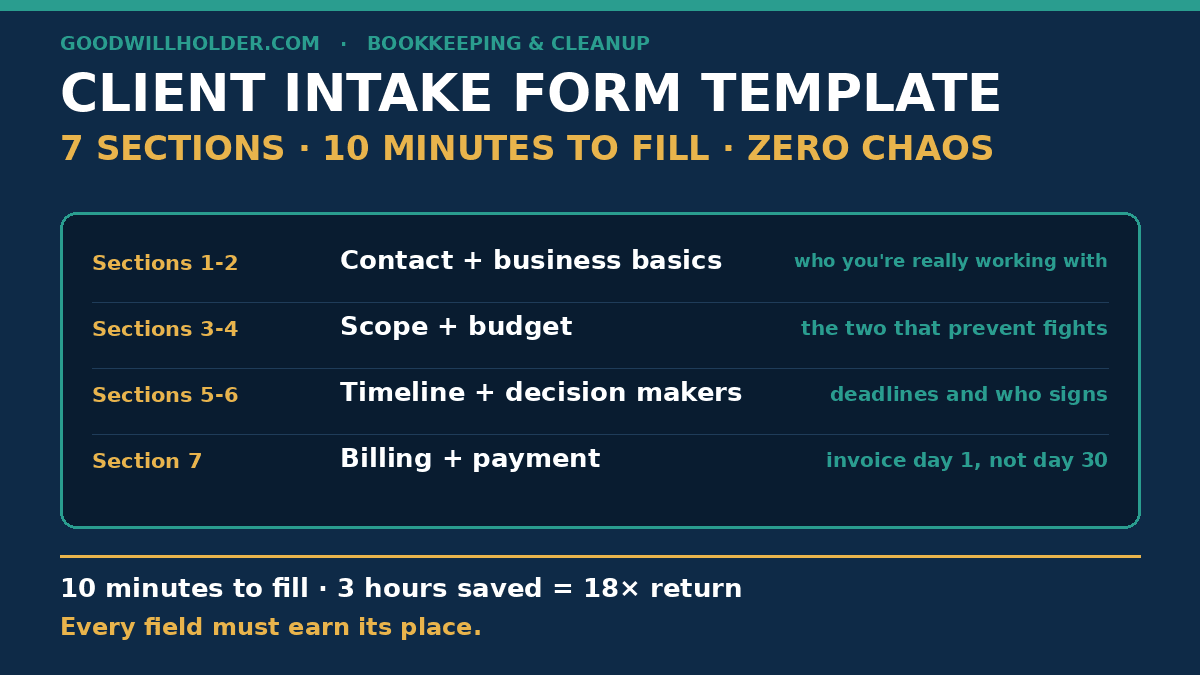
A client intake form template is the questionnaire you send a new client before work begins: who they are, what they need, when and how much, and who decides. Seven short sections collect everything the project will ask later. Ten minutes of filling prevents weeks of chasing — and the form itself filters out bad fits before they cost you.
It also looks professional, which matters more than it should in the first week. A crisp form says “I have done this before” before you have said a word.
The 7 Sections
This client intake form template has seven sections. Keep every question tied to a decision you will actually make — if you would never use the answer, delete the field.
- Contact and business basics. Name, business name, email, phone, address, website, how they found you. Note the billing contact separately — invoices that reach the wrong person are invoices that get late.
- What they do. Two or three sentences on their business, customers, and size. This is the context every later answer needs.
- Scope and goals. What problem needs solving, what “done” looks like, what deliverables they expect. The magic question: “What does success look like when this project is finished?”
- Budget range. Ask for a range, not an exact number — ranges get honest answers. “Under $500 / $500–2,000 / $2,000–5,000 / let’s discuss.” A client who refuses to name any range is telling you something; listen.
- Timeline. Ideal start, hard deadline, and what happens if the deadline slips. Deadlines without consequences are wishes.
- Decision makers. Who signs off, who gives feedback, who can veto. One approver is a project; three is a committee — price accordingly.
- Billing and access. Payment terms they accept, how they pay, what access or files you will need (logins, brand assets, prior records). Getting this on day one prevents the week-two stall.
What Not to Ask
The best client intake form template is short on purpose. Every field should have a direct downstream use. Never ask for data you would not know how to use: no Social Security numbers on a first form, no medical or family details, no “just curious” fields. Collect sensitive data only when the work truly needs it, only over secure channels, and only with a written reason. A short privacy note at the bottom of the form — what you collect, why, how it is stored — is professional and increasingly expected.
When to Send It
Send the client intake form template at exactly one moment: after they say yes to the proposal, before the kickoff call. Too early and it filters leads you never had; too late and you are designing with half the information. Pair it with the scripts in our client onboarding email templates, and check off the first week with the client onboarding checklist. Store the answers in your client record — our simple CRM in Google Sheets has a column set ready for them.
Build It in 30 Minutes
Copy this client intake form template into Google Forms, Typeform, or a plain document — the format matters less than the fields. Three build rules: label every field with the reason you ask (helps clients answer honestly), mark only truly required fields as required, and test it once on a friend. If the form takes longer than ten minutes to fill, cut questions until it does not.
Red Flags the Form Catches
The form pays for itself on the bad fits. Watch for three patterns: a blank budget box with a huge scope (price pressure incoming), three or more approval names (feedback by committee), and “needed yesterday” on every deadline (their planning will become your emergency). None of these are automatic no’s — but each one changes the price, the terms, or your willingness to say yes at all.
Quick Checklist
- ☐ Seven sections, every field tied to a decision.
- ☐ Budget asked as a range, never a blank box.
- ☐ Billing contact captured separately from the main contact.
- ☐ One approval name — extra names flagged and priced.
- ☐ Privacy note at the bottom; no sensitive data on the form.
- ☐ Sent after yes, before kickoff — never earlier, never later.
- ☐ Answers filed in the client record the day they arrive.
A client intake form template is a filter, a memory, and a first impression in one page. Ten minutes of the client’s time buys you three hours of not chasing — an 18× return on the first project alone. Build it once, send it at the right moment, and start every engagement knowing exactly what you promised, to whom, by when.
Field lists worth comparing: Monday’s client intake form guide and Jotform on client intake forms.
This form is step 2 of the client onboarding checklist.