
Cash Flow Forecast in Google Sheets: 7 Simple Steps
A business can show a profit on paper and still struggle to cover next month’s payroll. A customer may pay weeks after an invoice is issued, while rent, supplier bills, and tax payments have fixed dates. A useful forecast makes those timing gaps visible before they become urgent.
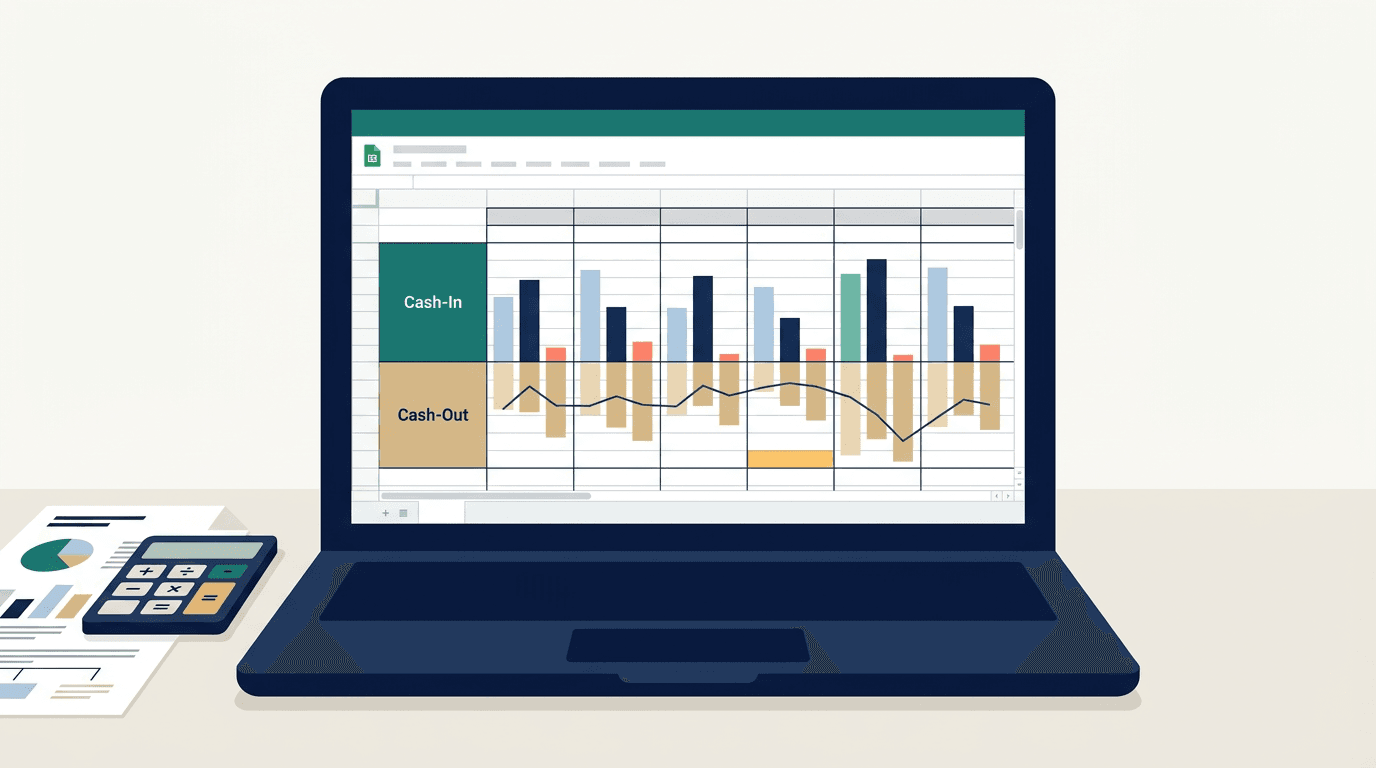
This cash flow forecast in Google Sheets focuses on when money is expected to enter or leave the bank, not just when a sale or expense is recorded. Start with available cash, enter realistic receipts and payments by period, and carry each closing balance forward.
cash flow forecast in Google Sheets
A cash flow forecast in Google Sheets estimates when cash will arrive and leave, then rolls each period’s closing balance into the next period’s opening balance. Enter opening cash, expected receipts by collection date, and payments by expected payment date. Inflows minus outflows gives net cash flow; opening cash plus net flow gives closing cash.
Build the Forecast in 7 Steps
- Choose the horizon and set a cash buffer. For a longer planning view, use monthly columns for the next 6–12 months. If you need to manage the next payrolls or vendor runs closely, use weekly columns instead; the same rolling-balance logic works. In
A1, type “Minimum cash buffer”; enter your reserve target inB1(or enter 0 if you do not use one). InA2, type “Forecast as of”; enter the date of your latest reliable cash position inB2. For this monthly setup, use a month-end date such as31-Oct-2026; if you are starting mid-month, add a partial period for the remaining days before the full months. A cash flow forecast in Google Sheets is a planning estimate, not a promise that each receipt will arrive on time. - Lay out the periods and line items. Use
A4for “Cash flow item.” InB4, enter=EOMONTH($B$2,0)+1to start with the first day of the month after your as-of date. InC4, enter=EDATE(B4,1)and fill right for later months. Format the dates as month and year. In a cash flow forecast in Google Sheets, real date values make the period sequence easier to extend and audit. Google’s EOMONTH function returns a month-end date; adding 1 starts the next month, while EDATE advances the timeline by whole months. This setup forecasts full months after B2; enter custom period dates if you need to model the rest of a partial month. - Enter the opening cash balance. Put the actual cash available at the start of your first forecast period in
B5. Use a consistent basis across bank accounts and reconcile transfers in transit so the starting figure is not counted twice. For the second period, put=B17inC5and copy it right. That makes the prior period’s ending cash the next period’s opening cash. A cash flow forecast in Google Sheets needs one trustworthy opening number; later openings should roll forward by formula, not by guesswork. - Estimate inflows by likely receipt date. Use rows 6–8 for customer collections, cash sales or other receipts, and confirmed financing or owner contributions. Enter positive amounts in the month cash is expected to reach the bank. Do not enter an invoice in the month it was issued if the customer is likely to pay later. Check recent payment patterns, promised dates, card-settlement timing, and deposits before estimating collections. An invoice log template in Google Sheets can help organize invoice dates, due dates, and payment status before you estimate receipts. Using expected bank dates is what makes a cash flow forecast in Google Sheets different from a sales forecast.
- Estimate outflows by payment date. Use rows 10–14 for supplier or inventory payments, payroll and contractor costs, rent and utilities, taxes or debt service, planned asset purchases, and other cash outflows. Enter each amount as a positive number in the period it is expected to be paid; the net-flow formula subtracts the total. Include cash payments such as loan principal and equipment purchases. Do not list non-cash costs such as depreciation as a cash payment, and do not include a bill again if it was already paid before the opening date. The forecast is more useful when it includes irregular but predictable costs, such as insurance renewals or quarterly taxes. A cash flow forecast in Google Sheets should show the expected payment date, not merely the date a bill was entered.
- Add the totals, net flow, and closing balance. Keep the line items in these rows so the formulas match: rows 6–8 are inflows, and rows 10–14 are outflows. In
B9, enter=SUM(B6:B8). InB15, enter=SUM(B10:B14). InB16, enter=B9-B15for net cash flow. InB17, enter=B5+B16for ending cash. Copy formulas across the monthly columns. Google’s SUM function guide covers adding cell ranges. These core formulas in a cash flow forecast in Google Sheets do the arithmetic for each period: inflows minus outflows gives net cash flow, then opening cash plus net flow gives closing cash. Copy them across and leave the input rows open for updated estimates. - Flag a possible cash shortfall and review assumptions. In
B18, enter=IF(B17<$B$1,"BELOW BUFFER","OK")and copy across. If projected ending cash falls below your buffer, investigate the timing and assumptions; the warning is a prompt to plan, not a decision to delay a required payment. At each month-end, replace the completed forecast column with actual receipts and payments, note the reason for important differences, and update future periods. Use the cash flow forecast in Google Sheets to spot months that deserve review, then verify the assumptions before changing plans. The U.S. Small Business Administration recommends explaining financial projections and using more specific monthly or quarterly projections for a first-year outlook; see its financial-projection guidance. Keep a base case and a cautious case if collection dates or expenses are uncertain.
Worked Example: See the Balance Roll Forward
Assume the forecast is prepared on 31 October 2026, the first month is November, and the cash buffer in B1 is $8,000. The opening balance for November is $10,000. Use these fictional monthly estimates:
| Cash flow item | November | December |
|---|---|---|
| Opening cash | $10,000 | $11,000 |
| Total cash inflows | $13,000 | $9,000 |
| Total cash outflows | $12,000 | $13,500 |
| Net cash flow | $1,000 | −$4,500 |
| Ending cash | $11,000 | $6,500 |
| Buffer check | OK | BELOW BUFFER |
November’s closing cash is $10,000 + $1,000 = $11,000. The December opening balance links to that $11,000. With $9,000 of inflows and $13,500 of outflows, December ends at $6,500—below the $8,000 buffer. The cash flow forecast in Google Sheets therefore highlights a potential gap to investigate while there is still time to check collection dates, review discretionary spending, or discuss options with an appropriate adviser. This example shows how a cash flow forecast in Google Sheets can turn a set of estimates into a clear next step. It does not assume that a forecast receipt is guaranteed.
Turn the Forecast Into a Routine
Review the forecast on a regular schedule. Update expected receipts using the best information available, then replace old estimates with actual bank activity as each period closes. A separate pending payments tracker in Excel can hold follow-up dates and customer promises, while a monthly profit and loss in Google Sheets helps you review performance. Keep the documents distinct: reported profit and cash on hand answer different questions.
For every material line, write down the assumption behind the amount—for example, the customer’s usual payment delay, a scheduled payroll date, or a planned equipment purchase. When actual results differ, update the assumption instead of forcing the next forecast to match the old estimate. If you need immediate short-term visibility, switch the periods from months to weeks and keep the same opening, receipts, payments, and closing-balance logic.
Next step: copy the layout into a new Google Sheet, enter your reconciled starting cash, and test one month before extending the formulas across the year. The cash flow forecast in Google Sheets is most useful when the inputs are dated, the balance rolls forward automatically, and you revisit it before making a cash-sensitive decision.
Frequently Asked Questions
Should I use sales revenue or customer receipts as forecast inflows?
Use the amount you reasonably expect to receive and the period it is likely to reach your bank. Sales revenue may be recorded before a customer pays, so entering the sale in the wrong month can make projected cash look higher than it is. Separate uncertain opportunities from committed or highly likely receipts.
Does the next month’s opening balance equal the prior month’s closing balance?
Yes. Link the next opening balance to the previous closing balance—for example, C5=B17 if December follows November. This prevents gaps or duplicate starting amounts when you fill the forecast across.
Can I use a Google Sheets FORECAST formula for the whole cash balance?
A trend formula can help estimate a historical series, but it does not by itself schedule customer collections, payroll, taxes, or other payments by date. Use line-item assumptions for timing, and treat any trend-based sales estimate as one input rather than as the cash forecast itself.
How often should I update a cash flow forecast?
Update it at least monthly as actual results arrive. If cash is tight or payment dates change quickly, review it weekly. A cash flow forecast in Google Sheets is only as useful as its opening balance, timing assumptions, and updates. When you revise the cash flow forecast in Google Sheets, keep actual results separate from new estimates.
This spreadsheet workflow is for planning and education. It is not a guarantee of future cash or a substitute for checking your bank records, contracts, tax obligations, or professional advice.