
How to Set Up a Lead Tracking System for a Small Business
What Is a Lead Tracking System?
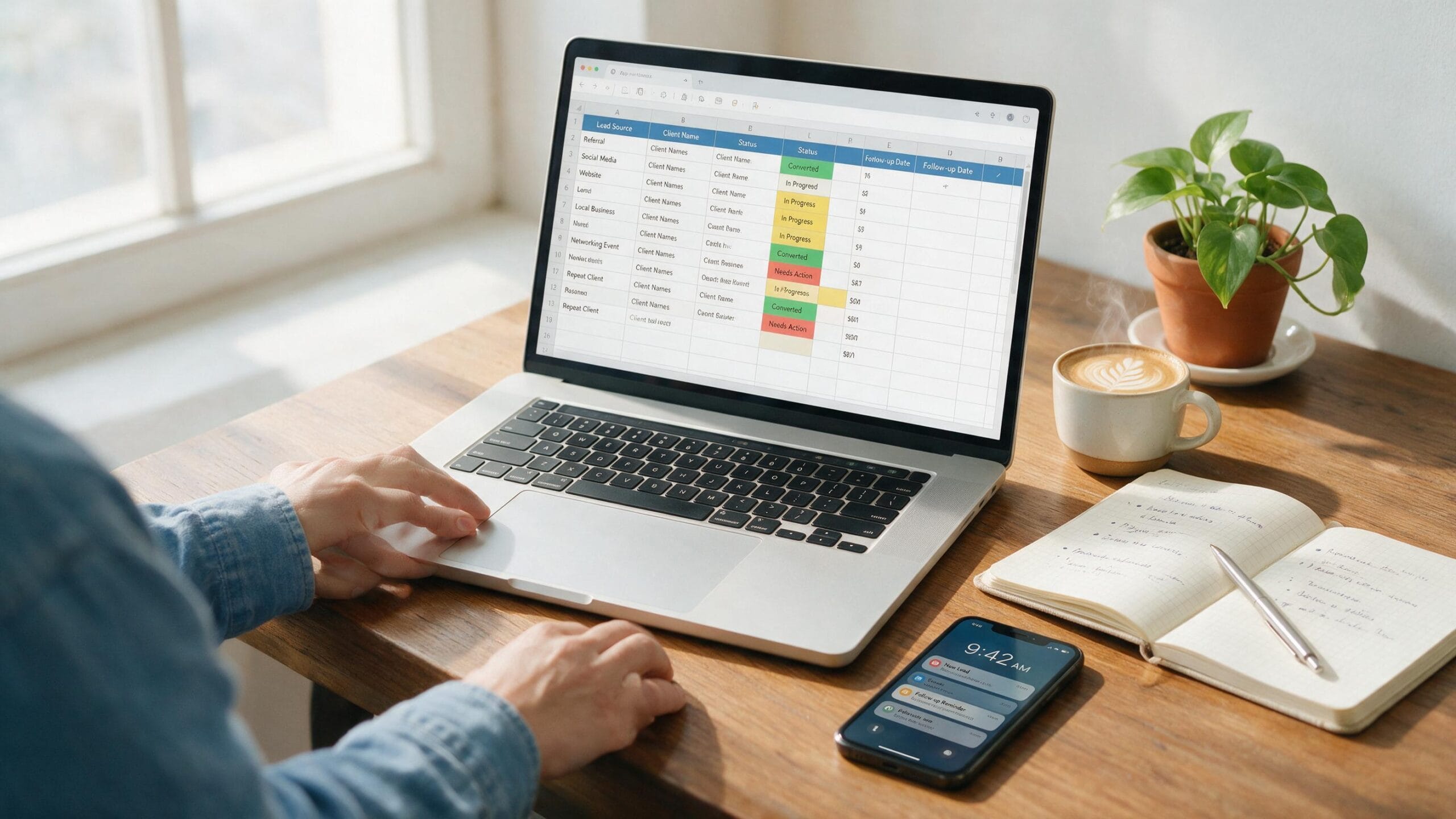
A lead tracking system is simply a central place where a business records every potential customer, along with information about where they came from, what stage they’re at, and when they need to be contacted next. It doesn’t need to be complicated. At its core, it answers three questions for any lead: Who are they? Where are they in the process? What happens next?For a small business, this can be as simple as a spreadsheet with a handful of columns. The goal isn’t to build an advanced system — it’s to make sure no lead is forgotten and every follow-up happens on time. Understanding this early makes building your own lead tracking system for small business use much easier.Why Small Businesses Need a Lead Tracking System
Without a system, lead information tends to scatter across different places — a notes app, an inbox, a messaging app, a physical notebook. This is exactly what a lead tracking system for small business owners is meant to solve. It typically creates a few predictable problems when it doesn’t exist:- Missed follow-ups. A lead who was ready to buy gets forgotten simply because there was no reminder to contact them again.
- Scattered information. Details about a conversation live in one app while the contact info lives in another.
- Forgotten context. Without notes, it’s easy to lose track of what was already discussed with a lead.
- Unclear priorities. It becomes hard to tell which leads need attention today versus which ones can wait.
- No visibility into status. Without a clear view of where each lead stands, it’s difficult to know how many active opportunities actually exist.
What You Need to Set Up a Lead Tracking System for Small Business
You don’t need CRM software to get started. A beginner-friendly lead tracking system for small business use just needs:- A place to record leads — Excel or Google Sheets work well
- A consistent set of fields for every lead
- Clearly defined stages so you know where each lead stands
- A simple follow-up process you actually stick to
Step 1: Choose Where You Will Track Your Leads
Before setting up columns or statuses, decide where the system will live.- A spreadsheet like Excel or Google Sheets is free (or already installed), works on any device, and is easy to share or access. It’s a practical starting point for most small businesses.
- Excel works well and is a solid choice if you already use Microsoft tools regularly.
- CRM software offers more built-in automation but adds cost and setup time, which usually isn’t necessary until lead volume increases.
Step 2: Create Your Lead Tracking Columns
A simple, effective lead tracker needs a consistent set of fields for every entry.Lead Name
The name of the person or business you’re in contact with. This is the identifier for the row.Contact Info
Phone number, email, or both. Whatever you’d actually use to reach them again.Source
Where the lead came from — this helps you understand which channels are actually producing leads over time.Status
Where the lead currently stands in your process, from first contact through to a final outcome.Last Contacted
The date of your most recent interaction with this lead.Next Follow-up
The date you plan to reach out again. Every active lead should have one.Follow-up Status
An automatically calculated field that shows whether a follow-up is overdue, due today, upcoming, or closed — more on this in Step 6.Notes
Anything worth remembering — what was discussed, objections raised, or specific details that matter for the next conversation.For example, a row might read: Lead Name: Sarah Miller, Contact Info: sarah@example.com, Source: Referral, Status: Contacted, Last Contacted: two days ago, Next Follow-up: this Friday, Notes: interested, waiting on a quote.Step 3: Define Your Lead Statuses
Keeping statuses simple makes the system easier to maintain. The core statuses to use are:- New — a lead has come in but hasn’t been contacted yet
- Contacted — you’ve reached out and are waiting on a response or next step
- Qualified — the lead has shown genuine interest and fits what you offer
- Won — the lead became a customer
- Lost — the lead didn’t move forward
For the complete flow from a lead becoming a client through kickoff and the first milestone, see the freelance client onboarding process guide.
Step 4: Track Where Each Lead Came From
The Source field records how each lead found you. Common source options include:- Referral — someone recommended your business
- Website — a form submission or inquiry from your site
- Social Media — a message or inquiry from a social platform
- Cold Outreach — a lead you contacted first
- Event — someone met at a networking event, trade show, or similar
Step 5: Add Follow-Up Dates
Two fields drive the follow-up process: Last Contacted and Next Follow-up.Last Contacted keeps a record of when you last spoke with or messaged the lead, which is useful context before reaching out again. Next Follow-up is the date you’ve committed to contacting them next.Every active lead — anything that isn’t marked Won or Lost — should have a Next Follow-up date filled in. A lead with no follow-up date is a lead that’s likely to be forgotten. When it’s time to actually send that follow-up, having a clear message structure helps — this guide on writing a professional email to a client includes templates you can adapt for follow-up messages.How to Create a Lead Follow-Up System for a Small Business
A lead follow-up system helps you decide who to contact, when to contact them, and what to do next without relying on memory. For a small business, you can build a simple system using the same spreadsheet you use to track your leads.- Record every new lead: Add the person’s name, contact information, source, and current status.
- Record the last contact date: This tells you when the lead was last contacted and provides context for the next message.
- Set a next follow-up date: Every active lead should have a specific date for the next follow-up.
- Prioritize overdue and due-today follow-ups: Review these leads first so important opportunities do not get forgotten.
- Update the result: After each interaction, update the status, notes, and next follow-up date.
Step 6: Use Automatic Follow-Up Statuses
Rather than manually checking dates against today, the Follow-up Status field can calculate this automatically:- A past follow-up date shows as Overdue
- Today’s follow-up date shows as Due Today
- A future date shows as Upcoming
- A lead marked Won or Lost shows as Closed
Step 7: Review Your Lead Tracker Regularly
A lead tracker only works if it’s kept up to date. A simple weekly (or even daily) routine looks like this:- Add every new lead as soon as it comes in.
- Update the lead’s status after each meaningful interaction.
- Set a Next Follow-up date for anything still active.
- Check for Overdue and Due Today leads first.
- Update the status to Won or Lost once the outcome is known.
How to Track Leads for a Small Business Without a CRM
Many small businesses assume they need CRM software to run a lead tracking system for small business use, but that’s not true, especially early on. A well-structured spreadsheet can handle lead tracking for a small business as long as it has consistent fields, clear statuses, and a reliable follow-up habit.A spreadsheet works well when lead volume is manageable, when one or two people are handling follow-ups, and when the process doesn’t require automation like email sequences or reminders sent on your behalf. Once those needs grow, a CRM starts to make more sense — but it isn’t a requirement to get started.Lead Tracking Spreadsheet vs CRM
| Factor | Spreadsheet | CRM |
|---|---|---|
| Cost | Free | Often free tier, paid plans as you scale |
| Setup | Minutes | Longer setup and learning curve |
| Ease of use | Very simple, familiar interface | Simple once learned, more features to navigate |
| Automation | Manual, aside from basic formulas | Often includes automated reminders, emails |
| Best for | Solo business owners, low lead volume | Growing teams, higher lead volume |
| Scalability | Limited as data grows | Built to scale with the business |
When Should You Move From a Spreadsheet to a CRM?
A spreadsheet can work well for a long time, but a few signals usually indicate it’s time to consider a CRM:- Lead volume has increased to the point where manually updating rows feels overwhelming
- More than one person needs access and needs to update leads at the same time
- Manual follow-ups are becoming difficult to keep track of consistently
- The business needs automated reminders, emails, or workflows
- Reporting needs are growing beyond what a spreadsheet can easily show
- Duplicate entries or inconsistent data are starting to cause confusion
Ready to graduate from spreadsheets? Compare the best free CRM for small business options or build the next step with this simple CRM in Google Sheets.
Free Lead Tracking Spreadsheet
To make this easier to put into practice, this guide includes a free, ready-to-use template: the Free Lead Tracking Spreadsheet.It includes all the fields covered above — Lead Name, Contact Info, Source, Status, Last Contacted, Next Follow-up, Follow-up Status, and Notes — along with the automatic Overdue, Due Today, Upcoming, and Closed calculations described in Step 6. There’s no setup required beyond downloading your own copy. Download the Free Lead Tracking SpreadsheetCommon Lead Tracking Mistakes to Avoid
Even a well-designed lead tracking system for small business owners build can fail if these common mistakes creep in:- Not recording every lead. Even small or unlikely leads should be logged — it’s easy to underestimate which ones will eventually convert.
- Skipping a real lead tracking system entirely. Relying on memory instead of a lead tracking system for small business use is one of the fastest ways to lose track of active leads.
- Using inconsistent status names. Mixing up terms like “Interested” and “Qualified” for the same stage makes the system harder to scan.
- Forgetting to set a Next Follow-up date. This is a common reason leads get lost.
- Keeping lead information in multiple places. If contact details live in one app and notes live in another, the system breaks down.
- Failing to update old records. A lead tracker is only useful if it reflects current reality, not what was true weeks ago.
- Overcomplicating the system. Adding too many columns or stages early on often leads to the tracker being abandoned altogether.
FAQs
What is a lead tracking system?
A lead tracking system is a method — often a spreadsheet or CRM — for recording leads, their current status, and when they need to be followed up with, so nothing gets missed.How do I track leads for a small business?
Start by recording every lead in one place with consistent fields: name, contact info, source, status, and follow-up dates. Update it regularly and review it for overdue or upcoming follow-ups.Can I track leads in a spreadsheet?
Yes. A spreadsheet like Excel or Google Sheets is a practical starting point for lead tracking, especially for a small business with a manageable number of leads. It’s free, flexible, and doesn’t require any special software.Why is a lead tracking system important for a small business?
A lead tracking system for small business owners matters because it prevents leads from being forgotten, keeps follow-ups organized, and gives a clear view of which opportunities are still active.What should a lead tracker include?
At minimum, a lead tracker should include the lead’s name, contact information, source, current status, last contacted date, next follow-up date, and notes.Is a spreadsheet better than a CRM for a small business?
It depends on the stage of the business. A spreadsheet is often sufficient for a small number of leads and a single person managing follow-ups. A CRM becomes more useful as lead volume, team size, or automation needs grow.When should I switch from a spreadsheet to a CRM?
Consider switching when lead volume becomes hard to manage manually, multiple people need access, follow-ups require automation, or reporting needs go beyond what a spreadsheet can handle.Conclusion
A lead tracking system for small business owners doesn’t require CRM software or a complicated process. It requires one reliable place to record who your leads are, where they stand, and what needs to happen next. A simple spreadsheet — with clear fields, defined statuses, and a consistent follow-up habit — can carry a small business a long way before a CRM becomes necessary. Start with the free template above, keep it updated, and use the follow-up status to stay on top of your active leads.Written by
H
Hifzurrahman
Founder & editor of Goodwillholder. I research and test every tool covered on this site — including its actual free plan — and build the guides, spreadsheets, and templates that help small businesses run simpler systems.
More about me & all my guides →